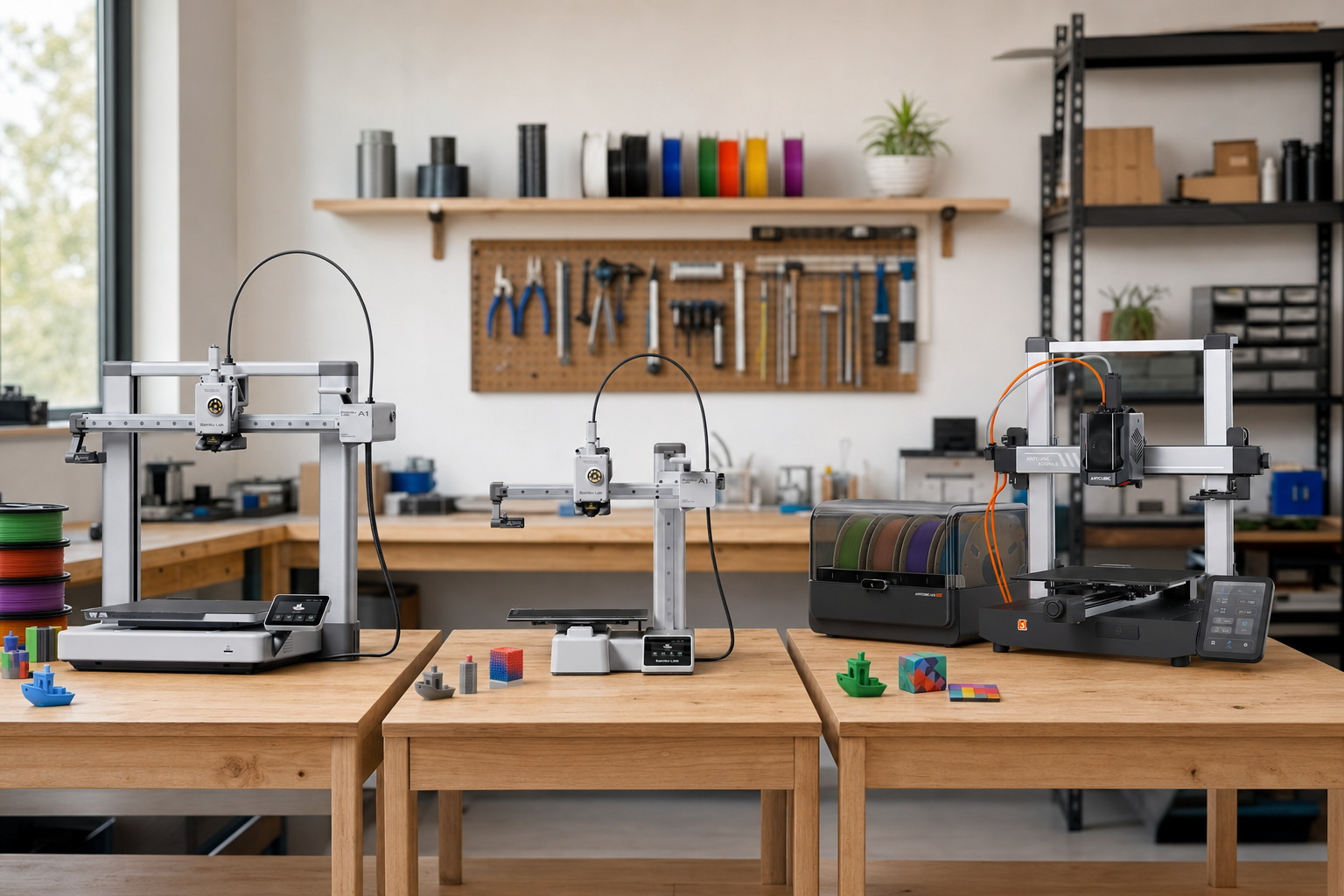
You want multi-material or multi-color prints without spending thousands. Here's the real deal: a budget multi-material 3D printer under $600 almost always means a single nozzle that automatically swaps between up to four filament spools. It uses an external management unit. This lets you make multi-color prints of the same polymer, not true multi-material parts from different plastics.
The Bambu Lab A1 Combo with AMS Lite, at roughly $400–$550, is the most reliable and easiest path to that. If you need two genuinely different materials in one print without any purge waste, the Sovol SV04 IDEX at $350–$500 is the budget choice. It's slower and has a steeper learning curve. Everything else in this price range is a trade-off between those two approaches.
What "Budget Multi-Material" Really Means
In the under ~$600–$700 range (for the full printer-plus-material-system setup), you're looking at FDM printers that swap between multiple filament spools during one print. Most use a single-nozzle filament-switching system. One hotend is fed by an external unit—like Bambu's AMS Lite or Anycubic's ACE Pro—that holds up to 4 spools. It cuts the filament at the toolhead and loads the next color automatically.
The catch? Each swap requires purging the old material from the nozzle. The alternative at this price is IDEX (Independent Dual Extruder). It mounts two complete print heads with separate nozzles. No swapping means no purge waste, but you're limited to exactly 2 materials.
Budget Multi-Material 3D Printers Compared
Here are the six most relevant options as of mid-2026, with combo pricing that includes the multi-material unit. Prices change with sales and where you live; ranges reflect typical US street pricing.
| Printer | Price (combo) | Colors | Build Volume | Material System | Enclosed? | Best For |
|---|---|---|---|---|---|---|
| Bambu A1 Mini Combo | $250–$350 | 4 | 180×180×180 mm | AMS Lite | No | Lowest entry price, small parts |
| Bambu A1 Combo | $400–$550 | 4 | 256×256×256 mm | AMS Lite | No | Best all-around multi-color |
| Anycubic Kobra 3 Combo | $380–$500 | 4 (→8) | 260×260×260 mm | ACE Pro | No | Filament drying, 8-color expansion |
| Sovol SV04 IDEX | $350–$500 | 2 | 300×300×400 mm | Dual nozzle (IDEX) | No | Zero waste, true dual-material |
| Creality K2 Plus + CFS | ~$799 | 4 (→16) | 300×300×300 mm | CFS | Yes | Enclosed, high-temp materials |
| Prusa MK4 + MMU3 | $900–$1,050 | 5 | 250×210×220 mm | MMU3 | No | Open-source, fully repairable |
The Bambu and Anycubic printers are single-nozzle filament switchers. The Sovol is IDEX. The Prusa uses its own single-nozzle MMU3 system. The Creality and Prusa models cost more than the core budget. We included them because they're the next logical steps if you need an enclosure, high-temp capability, or open-source hardware.
How Budget Multi-Material Actually Works
Think of a single-nozzle system like a plotter with multiple pens. The external unit holds your spools. PTFE tubes route each filament to one shared hotend. When your slicer calls for a color change, the printer retracts the current filament and cuts it at the toolhead. A built-in cutter does this job. Then it loads the new filament.
Next, it purges the old material out of the nozzle. It might go onto a purge tower, into the infill, or out a chute as waste (that's the "poop" pile you'll see). Each swap adds roughly 30 seconds to 2 minutes of print time. It wastes 1–5 grams of filament. How much depends on the color change and temperature difference.
The physics are simple: you have to push the old filament out of the melt zone before the new color comes out clean. Switching from a dark color to a light one—like black to white—needs more purge than light-to-light. A complex print with many color changes can waste 30–100 grams or more. Sometimes that waste weighs more than your finished print.
IDEX printers avoid this completely. Two independent print heads each have their own nozzle, filament drive, and heater. When printing two materials, each head only extrudes its own filament. The other material never enters that nozzle, so there's nothing to purge.
Bambu Lab A1 Combo
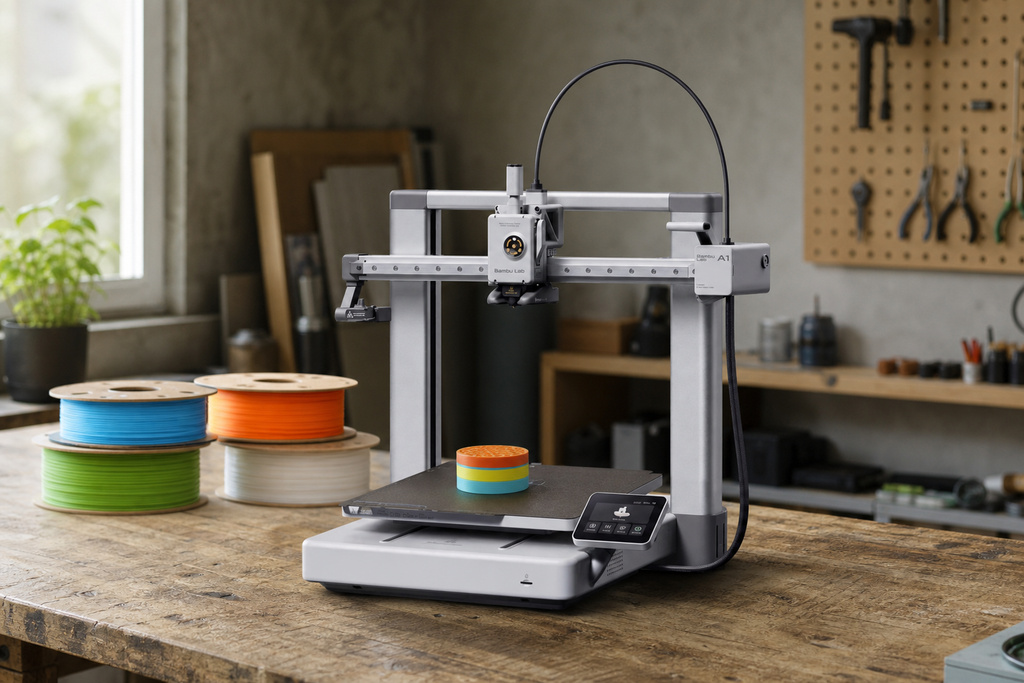
The A1 Combo pairs the A1 bed-slinger with the AMS Lite filament management unit for a combined price of roughly $400–$550. It comes with auto bed leveling, flow calibration, and vibration compensation. Your build volume is 256×256×256 mm. The AMS Lite holds 4 spools and talks to the printer to load, cut, and swap filaments for you.
Bambu Studio, the companion slicer, makes assigning colors to different parts of your model easier than any other software at this price. You can connect one AMS Lite unit to the A1, so you're capped at 4 spools at a time.
Pros
- Best-in-class slicer (Bambu Studio / OrcaSlicer) for setting up multi-color prints
- Auto bed leveling and flow calibration work right out of the box
- 256³ mm build volume fits most common prints
- Largest user community; plenty of help and troubleshooting guides online
- Quick-swap nozzle system makes maintenance easy
Cons
- Open-frame design limits high-temp materials like ABS or ASA without adding an enclosure
- The AMS Lite uses open spools, so moisture-sensitive filaments can get wet during long prints
- Limited to one AMS Lite unit (4 spools max) on the A1
Verdict: This is the default recommendation if your main goal is reliable, easy multi-color printing under $600.
Bambu Lab A1 Mini Combo
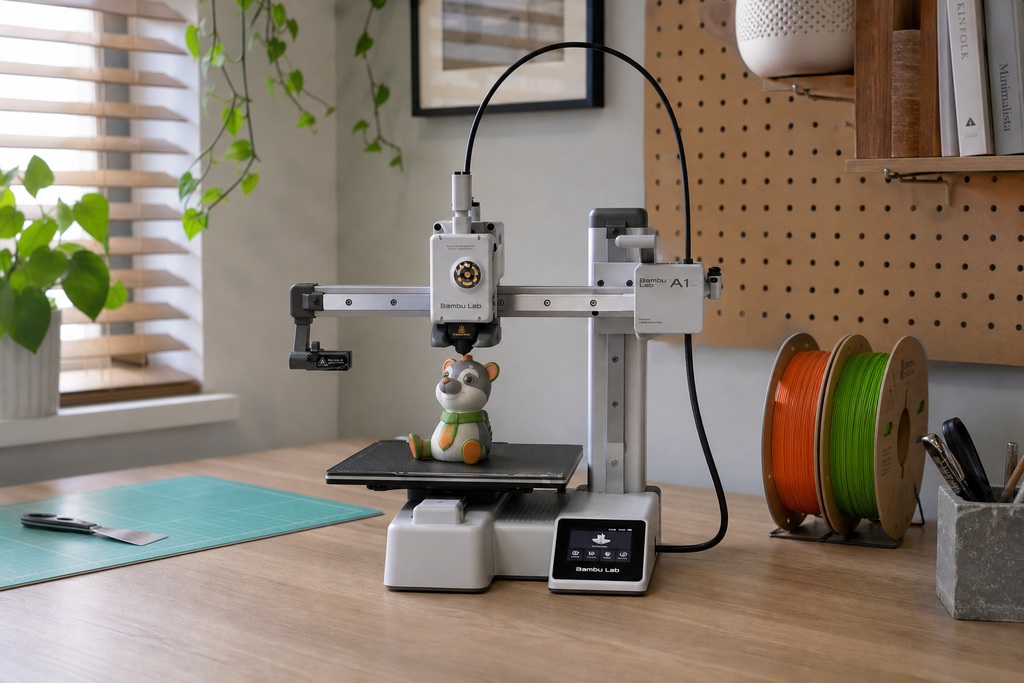
The Mini Combo costs $250–$350. It gives you the same AMS Lite system and Bambu Studio software in a smaller box. The build volume shrinks to 180×180×180 mm. That's enough for figurines, small organizers, signs, and toys. But it's too small for helmets, big cases, or anything over 18 cm in any direction.
Pros
- Lowest entry price for 4-color printing from a proven ecosystem
- Compact and quiet; fits on a desk
- Same software and auto-calibration as the full-size A1
Cons
- 180³ mm build volume really limits you to small parts
- Same open-frame and open-AMS limitations as the A1
Verdict: Right for buyers who mostly print small decorative items or tabletop gaming pieces and want the cheapest reliable multi-color path.
Anycubic Kobra 3 Combo
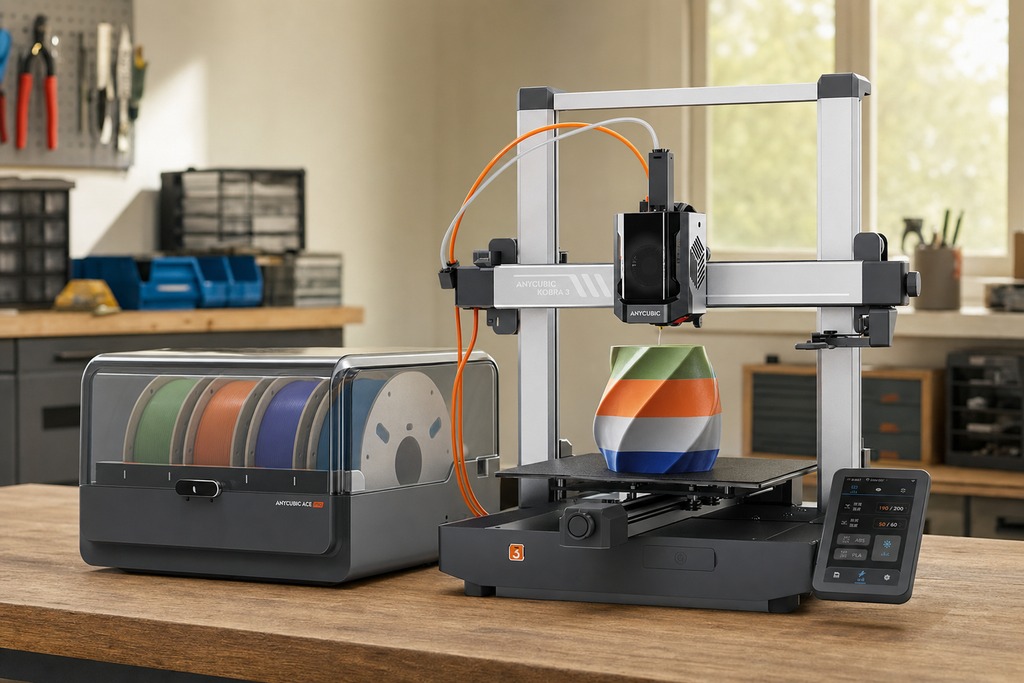
The Anycubic Kobra 3 Combo costs $380–$500. It comes with the ACE Pro filament management unit. This unit has a built-in active dryer that heats up to 65 °C. No other budget combo offers this feature. It handles 4 spools out of the box. You can also daisy-chain a second ACE Pro for 8-color printing. The build volume is 260×260×260 mm, a bit larger than the Bambu A1.
Pros
- ACE Pro actively dries filament while you print. This tackles the biggest failure point in multi-material printing.
- You can expand to 8 colors by adding a second ACE unit.
- Competitively priced with a slightly bigger bed than the A1.
Cons
- It doesn't have as long a track record as Bambu's machines yet.
Best Budget Multi-Material 3D Printer
The Bambu Lab A1 Combo ($400–$550) with AMS Lite is the pick for most buyers. Its automated filament cut-and-load cycle, paired with Bambu Studio's visual color-assignment tools, lowers the technical barrier more than any competing system under $600. The 256³ mm build volume fits the majority of hobbyist projects.
The Anycubic Kobra 3 Combo ($380–$500) is the close runner-up and beats the Bambu in two specific scenarios: if you print with moisture-sensitive filaments and need the ACE Pro's built-in 65°C active dryer, or if you want an upgrade path to 8 colors through a second unit.
The Sovol SV04 IDEX ($350–$500) is the right choice only if your priority is combining two genuinely different polymers in a single print without purge waste. You trade software polish and ease of setup for that zero-waste dual-material capability.
Quick picks:
- Simplest 4-color experience → Bambu A1 Combo
- Smallest parts, tightest budget → Bambu A1 Mini Combo
- Filament drying built in, expandable to 8 colors → Anycubic Kobra 3 Combo
- Two different polymers, zero purge waste → Sovol SV04 IDEX
FAQ
What's a good 3D printer on a budget?
For automated multi-color FDM printing, the Bambu A1 Combo ($400–$550) includes a 4-spool filament management unit and a 256³ mm bed. If your parts fit in 180³ mm, the A1 Mini Combo ($250–$350) uses the same system at a lower price. Either option handles calibration and filament swapping automatically, so you can focus on printing rather than setup.
What is the cheapest material to 3D print with?
PLA (polylactic acid) is the least expensive and most widely available FDM filament. It prints at lower temperatures than ABS, PETG, or nylon, and every printer in this guide handles it without modification. It's the default filament most manufacturers ship with their machines.
Can 3D printers use multiple materials?
Yes. Single-nozzle filament switchers like the Bambu A1 and Anycubic Kobra 3 swap between up to 4 spools automatically during a print—though each swap purges old material as waste. IDEX printers like the Sovol SV04 mount two independent print heads with separate nozzles, so each head extrudes only its own filament. That eliminates purge waste but caps you at 2 materials. Both approaches are available under $600.
What is the holy grail of 3D printing?
In multi-material FDM printing, the holy grail is a system that handles unlimited material variety with zero purge waste in a single affordable machine. Current budget options force a trade-off: single-nozzle switchers waste filament on every color change, while IDEX machines are limited to exactly 2 materials. A printer that combines the material flexibility of a filament switcher with the zero-waste operation of IDEX—at a consumer price—remains the target the industry is working toward.